Front
Costumary
Remove image backgrounds. Right click any image.
Cosgear Alternative
If Cosgear is unavailable or your old setup is offline, replace the parts of the workflow that helped you build: specific tasks, project status, references, materials, budgets, deadlines, WIP photos, and notes about what changed. Costumary is built around costume projects, so task tracking lives beside the rest of the build instead of becoming another isolated checklist.
Every build, remembered
Front
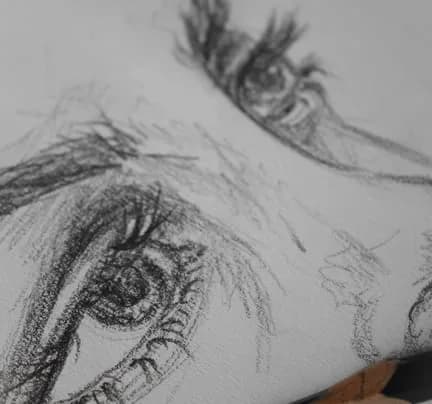
Back
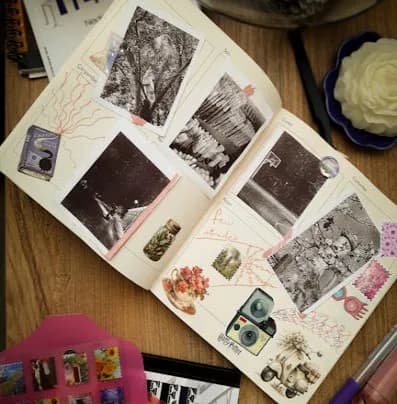
Fabric
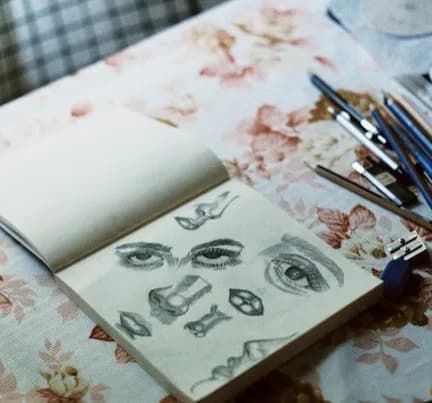
Detail
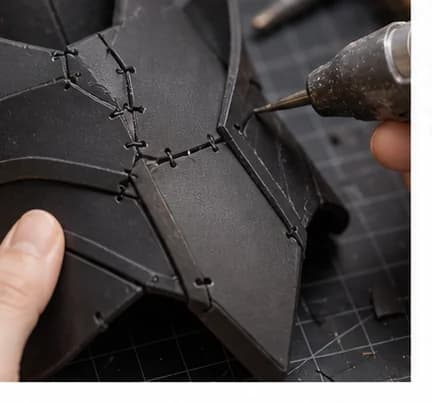
Foam
Build note
Front trim needs sealing before paint. Match fabric edge to the darker swatch.
Material Sheets 6mm
Synced to materials and budget
$12.99
Ask with project context
Costumary workspace demo showing four core features:
Each template comes with milestones, starter materials, and a timeline. Skip the blank page and start building today.
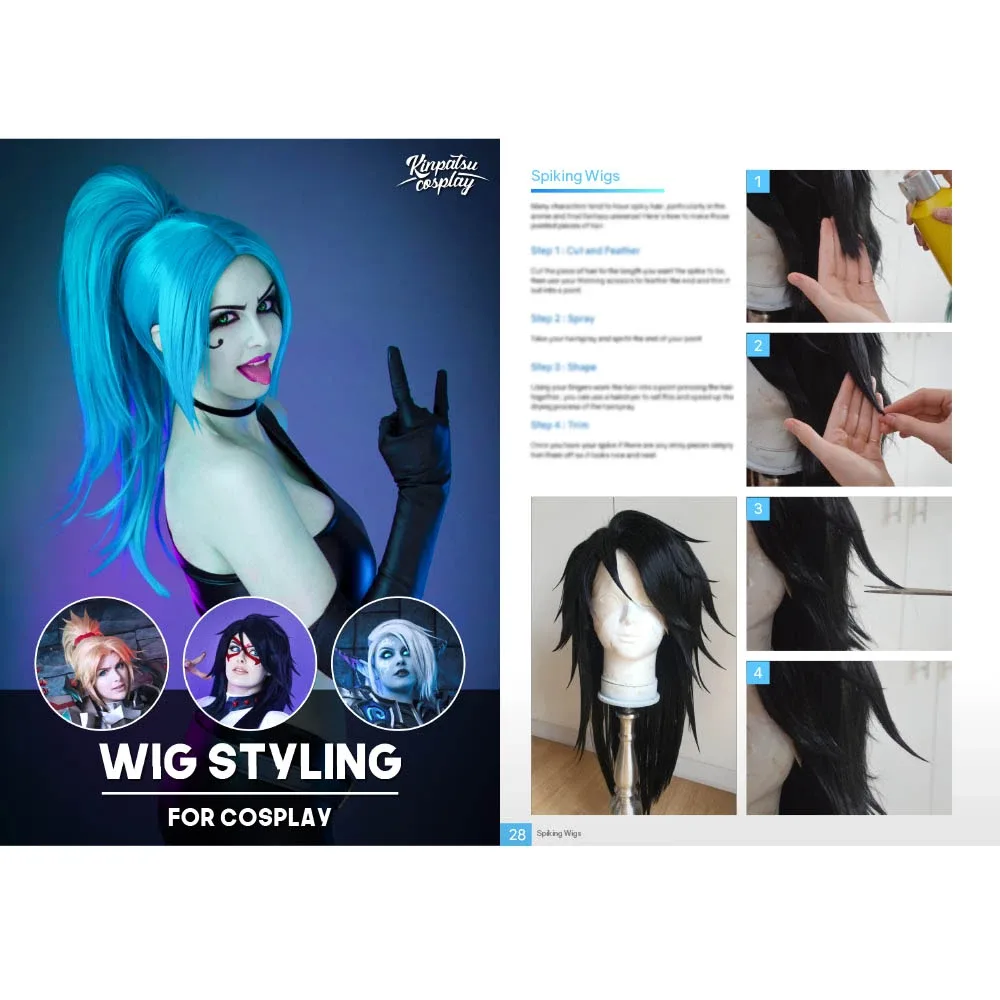
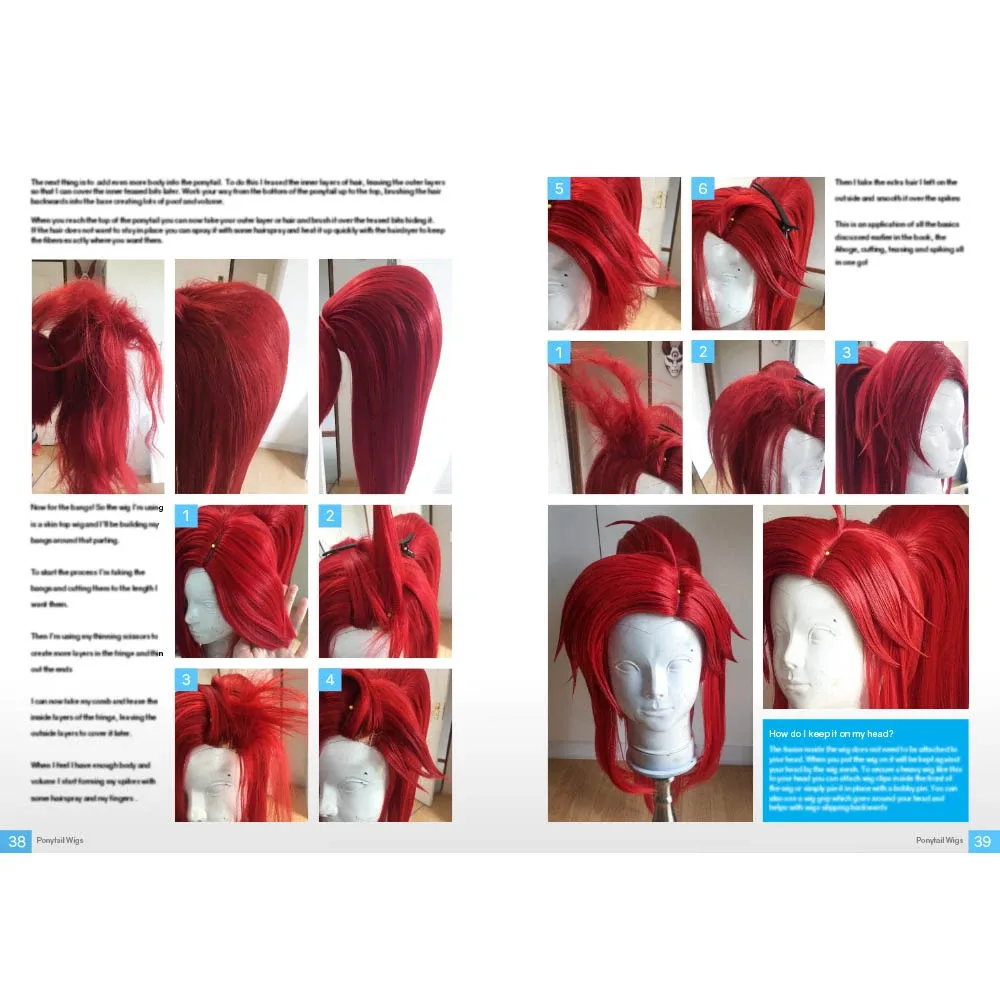
Jujutsu High's unassuming sorcerer-in-training: the pink-and-black undercut wig, white school uniform, and subtle Sukuna curse marks. The wig styling is the make-or-break challenge—it needs proper teasing, gel, and heat-setting to hold spikes through a con day. 4 components, 10 materials, 3-4 weeks, $75-150.


The most recognized ninja in anime: Naruto's orange zip-up jacket with white trim, blue sandals, Leaf Village headband, and spiky blonde hair. A beginner-friendly build with one statement jacket, a styled wig, and a few accessories that read instantly on the con floor. Includes 5 components, 12 materials with cost estimates, 11 milestones, and a realistic 4-week, $80 to $200 budget.


A good Cosgear replacement should make the next task obvious without hiding why that task matters. A task called paint armor is not enough if you can't see the primer, reference color, deadline, and previous test result beside it.
Task apps are useful until the build details scatter. Costumary treats each cosplay as the container, then organizes references, materials, timeline, budget, notes, and build logs around that project. That matters when you're choosing a fabric, checking if paint cured, or deciding what to finish before the next test fit.
Spreadsheets can track costs, and honestly they're fine for a simple buy list. They get clumsy once you need reference images, progress photos, timeline notes, and convention deadlines. A dedicated workspace keeps spreadsheet-like budget structure while adding the visual and timeline pieces cosplayers need.
Costumary is not trying to be a generic kanban board. It starts with cosplay-specific project sections, then supports other craft workflows like sewing, props, armor, mini painting, fursuit making, drag, LARP, scale models, and commissions.
Plan your build around a real deadline. Find dates, checklists, and budget estimates.
New York Comic Con 2026
Oct 8-11 · New York, NY
The East Coast's largest pop culture convention, with major panels, artist alley, and cosplay showcases.
Anime USA 2026
Oct 9-11 · Washington, DC
A mid-size anime convention in the DC metro area, offering panels, cosplay, and Japanese cultural programming.
Tsubasacon 2026
Oct 9-11 · Charleston, WV
Sekaicon 2026
Oct 9-11 · Newark, OH